How to Connect Your Phone to Uconnect Jeep in 5 Simple Steps
Connecting your phone to your Jeep’s Uconnect system can feel tricky at first—it’s a common frustration many drivers face. You’re not alone in finding the process a bit confusing, especially if you’re new to tech setups. But once you get the hang of it, it becomes quick and easy.
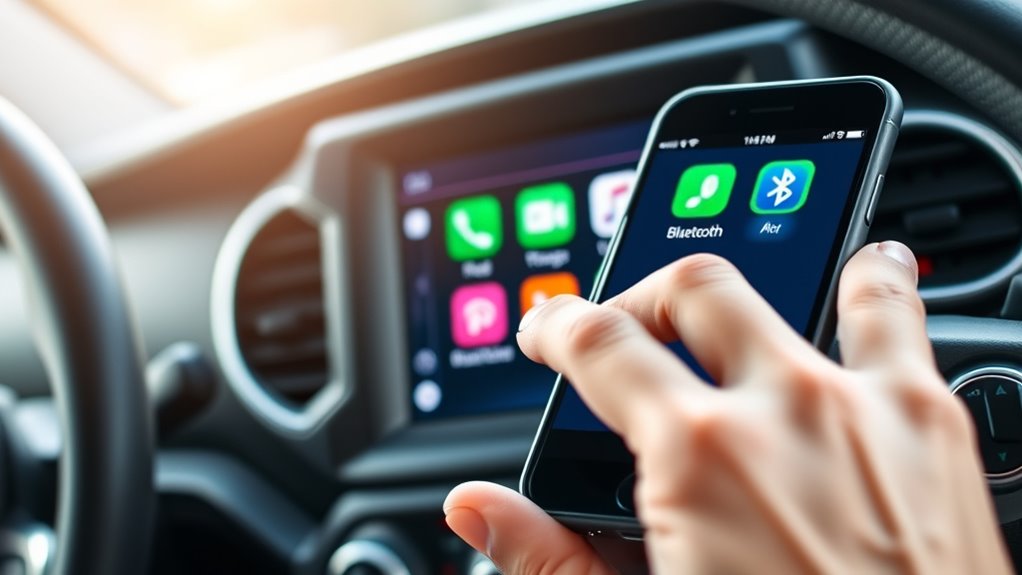
To connect your phone to your Jeep’s Uconnect system, first enable Bluetooth on your phone and make sure the system is discoverable. Then, turn on Bluetooth on your Uconnect and activate device discovery.
On the Uconnect menu, select your phone from the list of available devices and confirm the pairing PIN. Once connected, you can use voice commands for calls and media.
If you want to become more confident with the process, there’s plenty more to explore.
Key Takeaways
- Make sure Bluetooth is turned on and visible on both your phone and the Uconnect system.
- Open the Uconnect “Phone” or “Bluetooth” menu and start device discovery.
- Find your phone on the list of detected devices and check the pairing PIN.
- Confirm the connection on both your phone and the Uconnect screen. Adjust sound settings if needed.
- Once everything’s paired, you can use voice commands for calls and media pretty easily.
Prepare Your Phone and Jeep Uconnect for Easy Pairing
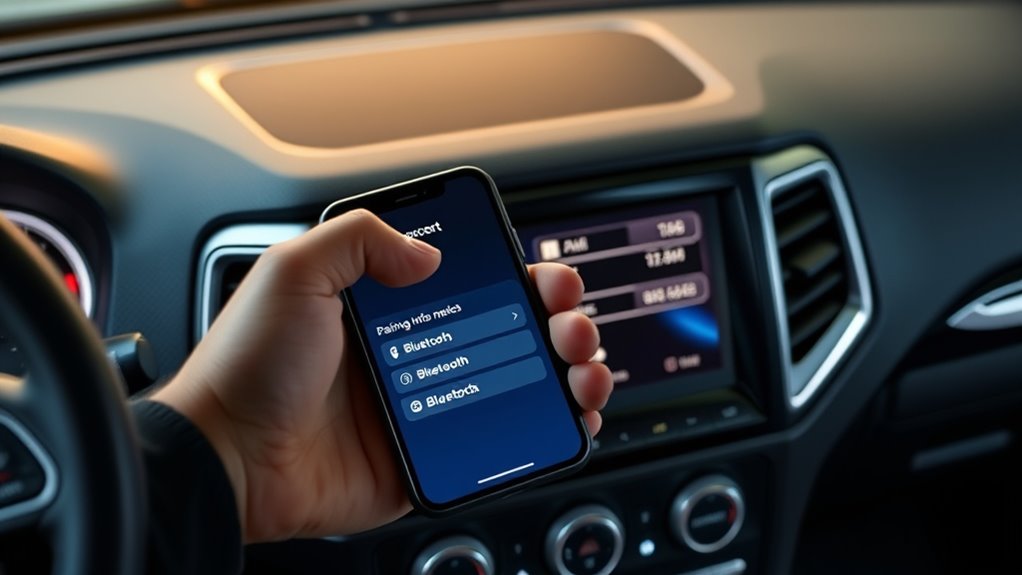
Before you begin pairing your phone with Uconnect, make sure both devices are ready. First, verify your phone’s Bluetooth is turned on and that it’s discoverable. Update your phone’s firmware if needed, as the latest firmware often improves compatibility and stability during pairing.
Uconnect also needs to be updated; check if there are firmware updates available through your vehicle’s infotainment settings. These updates can improve voice command functionality and overall system reliability. It’s a good idea to clear any previous Bluetooth connections to avoid conflicts.
Familiarize yourself with Uconnect’s voice commands, which make the pairing process smoother. When both devices are updated and prepared, you’re set for an effortless pairing experience that ensures hands-free calls, music streaming, and voice control work seamlessly.
Preparing your devices properly saves time and prevents surprises when it’s time to connect your phone.
Turn On Bluetooth on Your Jeep’s Uconnect System
To activate Bluetooth and enable device discovery:
- Make sure the Bluetooth toggle is turned On. This makes your Uconnect system visible for pairing.
- Check that “Device Discovery” or “Visibility” is enabled so other devices can detect your vehicle’s system.
- Keep this screen active while you prepare to pair your phone, ensuring it can find the Uconnect Bluetooth signal.
Once Bluetooth is active, your system is ready for device discovery. This makes it easy to locate and connect your phone during the pairing process.
How to Pair Your Phone With Jeep Uconnect Step-By-Step
Once Bluetooth is on and your device is discoverable, you can start pairing. Go to your Jeep’s Uconnect menu and choose “Phone” or “Bluetooth.”
Your system will look for nearby devices. Find and select your phone from the list. You might need to verify a PIN or passkey—match the numbers on both your phone and Uconnect.
After confirming, your phone will pair with the system. To get the best experience, adjust the sound settings for calls and media to ensure clear audio.
Once paired, you can use voice commands to make calls, send texts, or choose media. This makes driving safer and more convenient.
Remember to keep Bluetooth in pairing mode. This way, your phone will reconnect easily in the future.
Following these steps makes connecting your phone simple, giving you quick access to hands-free calling and streaming through your Jeep’s Uconnect system.
Troubleshoot Common Bluetooth Connection Problems
When your Bluetooth connection isn’t working properly, it can be pretty frustrating, but many problems are quick to fix with some troubleshooting. Most connectivity issues usually come down to device compatibility or simple setup mistakes.
First, make sure your phone’s Bluetooth is on and visible. Also, check that Uconnect’s Bluetooth is enabled. Sometimes, the simplest fix is just confirming these settings.
Next, verify that your device is compatible. Some phones might have trouble connecting if they’re running outdated software or aren’t fully compatible with the system.
Don’t forget to restart both your phone and the Uconnect system. A quick reboot can refresh the connection and clear out any glitches that might be causing trouble.
If problems continue, delete the device from Uconnect and then re-pair it. Follow the pairing instructions carefully to ensure everything connects properly.
Finally, ensure your phone’s software is up to date. Outdated software can often cause connectivity issues, so keeping everything current helps prevent problems.
These simple steps usually fix most Bluetooth issues, giving you a smoother connection experience.
Discover Features to Maximize Once Your Phone Is Connected
After connecting your phone to Uconnect, you can access features that make your driving experience better. One important feature is smartphone security; Uconnect lets you use voice commands and hands-free calling to stay focused on the road.
You can also explore media streaming options, giving you quick access to your favorite playlists and podcasts. Keep in mind that staying within the right range of your connection is key to maintaining a stable link and avoiding interruptions.
Using Uconnect to access your contacts and recent calls makes communication safer and more efficient. Features like navigation and real-time traffic updates work more reliably when your phone is connected properly.
Frequently Asked Questions
Can I Connect Multiple Phones to Jeep Uconnect Simultaneously?
Yes, you can connect multiple phones to your Jeep Uconnect at the same time. You just need to carefully manage Bluetooth pairing—pair each device one at a time through the system settings.
Once connected, Uconnect makes it easy to switch between devices. But only one phone can be active for calls or media at any given moment.
Regular device management ensures all your phones are paired correctly and ready to use whenever you need them.
Does Uconnect Support Apple Carplay and Android Auto Integration?
Did you know over 80% of drivers want seamless smartphone integration? Uconnect supports Apple CarPlay and Android Auto, making it easier for you to access navigation, calls, and apps.
You can connect your iPhone or Android device wirelessly or through USB, streamlining your drive. Plus, with wireless charging options available, you don’t have to worry about battery life while using these features. Just focus on the road ahead.
How Do I Update the Uconnect Software for Better Compatibility?
You can update Uconnect software by visiting the Jeep website or reaching out to your local dealer for firmware updates.
Make sure your vehicle is parked, and then follow the instructions to download and install the latest software.
Regular updates help fix compatibility issues and improve support for Apple CarPlay and Android Auto.
Keeping your system current means you’ll enjoy seamless integration, better features, and increased safety on the road.
Are There Any Security Risks When Connecting My Phone via Bluetooth?
Imagine your phone as a trusted companion, but Bluetooth pairing can sometimes let unwanted guests into your digital space.
Yes, there are security risks when connecting via Bluetooth, like potential hacking or data breaches.
To keep your phone safe, always use strong passcodes, keep your software updated, and disconnect when you’re not using Bluetooth.
Stay vigilant. Your vehicle’s Bluetooth can be secure if you’re careful about who you connect with.
What Voice Commands Are Available Once My Phone Is Connected?
Once your phone is connected through Bluetooth voice features, you can use a variety of voice commands.
You might ask to call contacts, play music, or get directions.
Setting up voice commands ensures your system understands things like “Call John,” “Play jazz music,” or “Navigate to home.”
These Bluetooth voice features make hands-free communication and entertainment easier, so you can stay focused on driving.
At the same time, you can enjoy seamless control over your connected phone.
Conclusion
Now you’re all set to enjoy hands-free calling and streaming. Connecting your phone to Jeep’s Uconnect is easier than you thought.
Just don’t be surprised if your phone suddenly acts like a star, craving attention with texts, calls, and playlists—completely unbothered by your new tech-savvy skills.
But hey, at least you can laugh at the irony. The only thing more connected than your phone is your newfound patience with this setup.