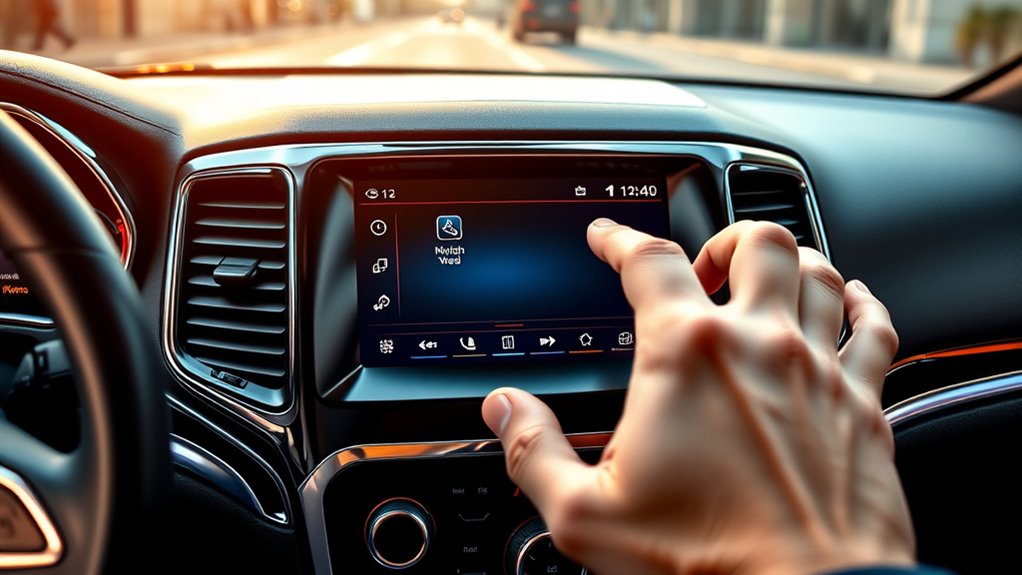
How to Reset the Jeep Grand Cherokee Screen in 10 Simple Steps
Are you tired of dealing with a frozen or unresponsive screen in your Jeep Grand Cherokee? You’re not alone—many owners struggle with so-called “tech glitches” that disrupt your drive and daily routine.
Fortunately, resetting your screen can often fix these issues without the need for professional help.
To reset your Jeep Grand Cherokee screen in 10 simple steps, start by preparing your vehicle—clean the interior and ensure it’s parked safely.
Next, locate the reset button or access the on-screen menu.
For physical resets, hold the reset button or combine power and volume buttons until the screen flickers, then wait for reboot.
You can also perform a soft or hard reset if needed.
If issues persist, updating software or seeking professional help can resolve deeper problems.
Keep going to find out more ways to troubleshoot.
Key Takeaways
- Turn off the vehicle and make sure it’s parked securely before you start the reset process.
- Use the physical reset buttons or go into the settings via the on-screen menu to begin resetting.
- For a soft reset, hold the reset button or a combination of the power and volume buttons for about 10 seconds.
- To do a hard reset, disconnect the negative battery terminal, wait 10-15 minutes, then reconnect it.
- After resetting, see if the screen responds better and the display issues are gone.
- If problems keep happening, try updating the firmware to fix any bugs or glitches.
Why Your Jeep Grand Cherokee Screen Might Freeze or Become Unresponsive
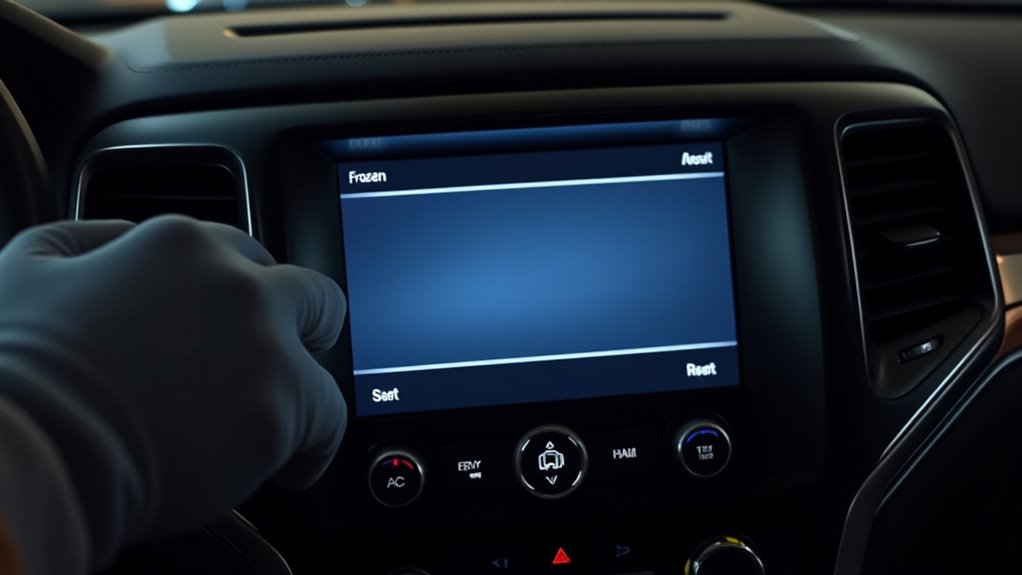
Have you ever experienced your Jeep Grand Cherokee’s screen freezing or becoming unresponsive? This usually happens because the touchscreen needs recalibration or because the software is outdated. Over time, the touchscreen’s calibration can drift, causing delays or unresponsive areas.
Regular touchscreen calibration helps make sure your system registers your commands correctly. This can prevent freezing and keep everything running smoothly. Also, software updates are super important because they fix bugs and improve overall system stability.
Regular calibration and updates ensure your Jeep’s touchscreen works smoothly and bug-free.
If your vehicle hasn’t been updated recently, you’re more likely to experience glitches like freezing or unresponsiveness. Sometimes, outdated software conflicts with new features, which can cause the screen to freeze.
Making sure your system is on the latest software version and doing a touchscreen calibration can help fix these issues. Keeping your Jeep’s software updated and calibrated minimizes disruptions, so your touchscreen functions smoothly. This gives you quick access to features and makes your driving experience better.
Preparing Your Jeep for a Screen Reset Safely
Before resetting the screen, it’s important to prepare your Jeep properly to ensure safety and avoid issues.
Start by cleaning the interior to remove dust and debris, especially around the dashboard and infotainment area. This helps prevent accidental damage during the process.
Next, check your vehicle’s battery health. A weak or drained battery can cause reset problems or interfere with the electronics. Making sure your battery is in good shape can prevent disruptions.
Always turn off the vehicle before starting. This prevents accidental resets or electrical errors. Also, confirm that your Jeep is parked securely to avoid any movement or electrical faults during the reset.
These simple steps will help you safely prepare your Jeep for a smooth screen reset.
How to Reset the Infotainment System Using Physical Buttons
If you want to reset your infotainment system using physical buttons, the first step is to find the reset buttons on your control panel. It’s usually pretty straightforward—you might see them labeled as “Reset” or sometimes just a small pinhole you’ll need a paperclip to press.
Once you’ve located the buttons, press and hold them for a few seconds. Keep holding until you see the screen go black or the system start to reboot. It’s like giving your system a quick refresh! After that, just let it finish restarting on its own—you’ll know it’s ready to go when the display lights up again and everything loads normally.
Locate the Reset Buttons
Start by locating the reset buttons on your Jeep Grand Cherokee’s infotainment system. They’re usually around the edges of the display or hidden beneath a small access panel.
These buttons are handy when you’re troubleshooting issues like screen calibration errors or firmware update problems. Look carefully for tiny, labeled buttons marked “Reset” or with a reset icon.
Pressing these can restore the system to its default settings and help fix minor glitches or unresponsive screens. If you’re unsure which button to press, check your owner’s manual for guidance.
Resetting through these physical buttons is a quick way to solve basic issues without disconnecting the battery. Once you find it, you’re ready to follow the next steps to reset your system properly.
Press and Hold Properly
Wondering how to properly reset your Jeep Grand Cherokee’s infotainment system using the physical buttons? First, find the power and volume buttons on your dashboard.
Press and hold both at the same time for about 10 seconds. Keep holding until the screen flickers or goes black and then resets.
This helps recalibrate the screen and fix issues with touch sensitivity or unresponsive controls. Be sure to press firmly but gently to avoid damaging the buttons.
Avoid releasing too early, as that can stop the reset from working properly. Once the screen restarts, check if the touch sensitivity improved and if the calibration feels more accurate.
This simple step can often fix common display problems without needing tools or software updates.
Wait for System Reboot
Are you unsure of what to expect once you’ve started the reset? Once you release the buttons, the system begins rebooting.
During this time, the screen might go black or show the Jeep logo. Don’t interrupt the process. You might hear the chime signaling the restart. The infotainment system will go through its usual startup routine.
This is a good time to wait patiently. If you’re planning software updates or want smooth voice command use, letting the system reboot fully ensures everything loads correctly.
After a few minutes, the screen should turn back on and display the default home menu. Once it’s done, you’ll be ready to use voice commands or access new features without issues.
How to Reset the Screen via the On-Screen Menu
Resetting the screen through the on-screen menu is simple and only takes a few steps.
Resetting the display menu is quick and easy, helping fix glitches while preserving your preferences.
First, turn on your vehicle and access the main menu on the central display. Look for the ‘Settings’ option, then go to ‘Display’ or ‘Media settings.’
Inside this menu, you’ll find options related to media customization and user interface preferences. Select the ‘Factory reset’ or ‘Reset display’ option to start the reset process.
Confirm your choice when prompted, and the system will reset the screen to its default settings.
This restores the original user interface and fixes screen glitches or unresponsive issues without deleting your stored data.
Resetting via the on-screen menu is quick, easy, and a good way to troubleshoot minor display problems while keeping your media setup and user preferences intact.
Performing a Soft Reset of the Jeep Grand Cherokee Screen
To do a soft reset on your Jeep Grand Cherokee’s screen, just find the reset button—it’s usually on the dashboard or the center console. Once you’ve located it, press and hold it for a few seconds. Keep holding until the screen resets itself. It’s a quick fix that can usually clear up minor glitches without resetting any of your settings.
Access the Reset Button
Accessing the reset button is usually the first step in performing a soft reset of the Jeep Grand Cherokee screen. To do this, turn on your vehicle and go to the dashboard functions.
Look for a small, often hidden pinhole or button labeled “Reset” on the dashboard or near the infotainment system. You can usually press it with a paperclip or similar tool.
Resetting the screen won’t affect your user settings or saved data but can help fix minor glitches. Before pressing the button, make sure the vehicle is in “off” or “accessory” mode.
This simple step makes it easy to access the reset feature, setting the stage for a quick and effective soft reset.
Hold for Several Seconds
Once you’ve located the reset button, press and hold it for several seconds to initiate a soft reset. This can help refresh the screen and fix minor glitches.
Holding the button briefly can also help with screen calibration issues that might happen after a recent software update.
A soft reset doesn’t erase your settings but clears temporary problems causing a frozen or unresponsive display.
If your screen stays unresponsive after holding the button, try doing it again or consider a full reset.
Regular soft resets can stop small software glitches from getting worse.
This simple step keeps your touchscreen responsive and accurate.
It can also improve overall system performance and stability, making it easier to access features and updates smoothly.
Hard Reset: Disconnecting the Battery to Fix Frozen Screens
Have you tried turning off your Jeep Grand Cherokee to fix a frozen screen? If that doesn’t work, a hard reset by disconnecting the battery might help.
Start by turning off your vehicle, then open the hood and locate the negative terminal of the battery. Using a wrench, carefully disconnect the negative cable and wait for about 10-15 minutes.
Turn off your vehicle, disconnect the negative terminal, and wait 10-15 minutes to reset the system.
This resets the system, clears any temporary glitches, and can resolve persistent freezing issues. A reset like this is especially useful if your screen is unresponsive after large firmware updates or during climate optimization processes.
Once you reconnect the cable, turn on your vehicle and check if the screen has refreshed. Keep in mind, a hard reset clears minor bugs but doesn’t replace proper firmware updates.
If issues continue, consider performing a firmware update or visiting a professional for deeper diagnostics.
Troubleshooting When Resetting Doesn’t Solve the Screen Issue
If resetting the system didn’t fix your Jeep Grand Cherokee’s screen problem, it’s time to look into other troubleshooting options. First, check if your software is up to date because outdated software can cause display issues. Updating the software might just solve the problem.
You should also try recalibrating the screen. Follow your vehicle’s manual or on-screen prompts to get the calibration right.
Next, inspect the connections behind the dashboard for any loose or damaged cables, as these can interfere with display function.
If these steps don’t bring the screen back to normal, it could be a more serious issue that needs professional help. Updating the software and recalibrating the screen often fix problems that a reset can’t resolve.
When to Seek Professional Help for Your Jeep’s Infotainment Problems
Sometimes, despite your best efforts to troubleshoot your Jeep Grand Cherokee’s infotainment system, the screen problems keep going or get worse. If that’s the case, it’s a good idea to seek professional help.
Persistent issues might affect how your vehicle feels inside, making your cabin seem disconnected or out of date. They can also impact fuel efficiency because outdated or glitchy systems might not perform optimally.
Persistent system issues can disconnect your cabin experience and reduce fuel efficiency.
If resetting the system doesn’t help, or if your screen freezes, flickers, or stays unresponsive, don’t wait too long to see a pro. A trained technician can diagnose hardware or software problems that simple resets can’t fix.
And if problems keep happening after driver updates or repairs, it’s definitely time to get expert assistance. Proper diagnosis keeps your infotainment system reliable so you can enjoy your Jeep’s interior and maintain good fuel efficiency for your daily drives.
Tips to Prevent Screen Issues and Maintain Your Jeep’s Infotainment System
Regularly updating your Jeep Grand Cherokee’s software is crucial for preventing screen problems and keeping your infotainment system running smoothly. Staying current helps fix bugs, improve stability, and boost overall performance, which keeps the interior looking good and functions seamless.
To avoid issues, make sure to clean your touchscreen regularly, using gentle cleaners that won’t damage the display. Securing all connections properly and avoiding exposure to extreme temperatures also helps protect your system’s reliability.
Additionally, regular vehicle maintenance supports overall health, including electronic systems. Keeping your vehicle in top shape can help reduce strain on the electronics and keep everything functioning properly.
FAQs About Resetting Your Jeep Grand Cherokee Screen
Have you ever experienced your Jeep Grand Cherokee’s screen freezing or becoming unresponsive? If so, you might wonder if a quick reset can fix the issue. One common question is whether to perform a touchscreen calibration or a software update first.
Typically, calibrating the touchscreen ensures accurate responsiveness, especially if the display feels off or unresponsive. If calibration doesn’t help, check if your vehicle needs a software update. Manufacturers often release updates to fix bugs and improve performance.
Calibrating your touchscreen ensures responsiveness; if it still doesn’t work, check for software updates to fix bugs.
Resetting the system can be simple, usually through a combination of button presses or settings menus. Sometimes, it requires a full reboot or software reload. Keep in mind, resetting your screen may erase personalized settings, so backing up important data is a good idea.
If issues persist after resetting or updating, you might need professional help. Regularly maintaining your system with updates can prevent many common problems and keep your Jeep’s infotainment running smoothly.
Frequently Asked Questions
Can Resetting the Screen Erase Your Saved Settings or Data?
Resetting the Jeep Grand Cherokee screen generally won’t erase your saved settings or data unless you do a full factory reset. If you’re only doing a screen calibration or soft reset, your personalized preferences should stay intact.
But keep in mind, a factory reset will erase all your data, including saved settings, radio presets, and custom configurations. Always double-check which reset option you’re selecting to make sure your important info stays safe.
How Often Should I Reset the Jeep Grand Cherokee Screen?
Think of your Jeep’s screen as a treasured map. Sometimes, it needs a refresh to stay accurate.
You don’t need to reset it often, only when you notice issues like calibration errors or after a major software update.
Resetting periodically keeps your system sharp, helping ensure smooth navigation and fresh functionality.
Consider doing it when software updates roll out or if you experience touchscreen glitches.
This helps your Jeep stay in command, like a skilled captain steering a ship.
Will Resetting Fix Persistent Software Bugs or Glitches?
Resetting your Jeep Grand Cherokee screen can fix some software bugs and screen glitches temporarily. But it might not solve persistent issues.
If glitches keep happening or bugs stick around after a reset, the problem could be deeper—like with the software or hardware.
In that case, think about updating the software, talking to a professional, or visiting a dealership. That way, they can do a proper troubleshooting.
Regular resets can be helpful, but they’re not a cure-all for ongoing problems.
Is There a Risk of Damaging the Screen During Reset Procedures?
You won’t really need to worry excessively about harming your screen during a reset. Proper procedures are gentle and meant for calibration.
While there’s a slight chance of hardware damage if you’re too rough, following the steps carefully helps keep risks low.
How Does Resetting Compare to Updating the Infotainment System?
Resetting your Jeep Grand Cherokee screen is simpler and safer than updating the infotainment system. It mainly involves screen calibration, which fixes minor glitches and keeps software compatibility intact. This way, you avoid potential bugs that can come from a full update.
Updating, on the other hand, installs new features and security patches. But if not done correctly, it can sometimes cause compatibility issues. Resetting is quick and restores functionality without risking software conflicts or damage, making it the best choice for minor issues.
Conclusion
If you follow these 10 simple steps, you’ll have your Jeep Grand Cherokee’s screen working perfectly again—like magic! Say goodbye to endless frustration, frozen screens, and unresponsive displays.
Whether it’s a quick reset or troubleshooting, you’re now more confident tackling any tech hiccup on your own. Remember, a functioning screen isn’t just a convenience. It’s essential for safe, smooth driving and exciting adventures.
Your Jeep’s tech troubles? Totally conquerable with these easy steps. Restoring your Jeep Grand Cherokee screen has never been simpler!